AIThis document was translated by AI and may contain mistakes.

Things to follow when creating materials like PPT

When creating class materials, if you prepare them considering minimum standards, you can help students understand the lecture content more easily.

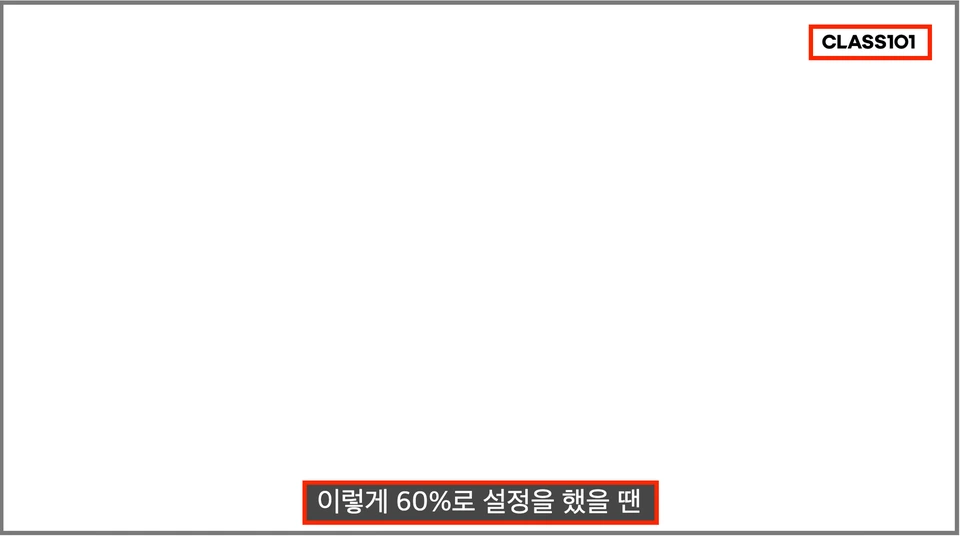
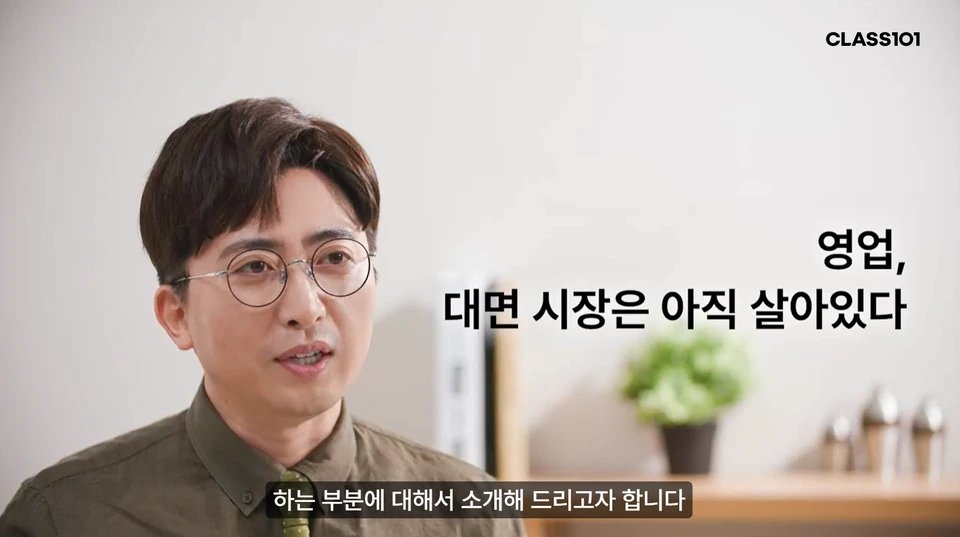
Please leave margin space at the top right and bottom of your lecture materials

The CLASS101 logo will be displayed automatically, so please keep the top right background empty and avoid black backgrounds.Subtitles (srt) at the bottom of the screen will be displayed, so the bottom 15% should be left empty when organizing materials.

image
image

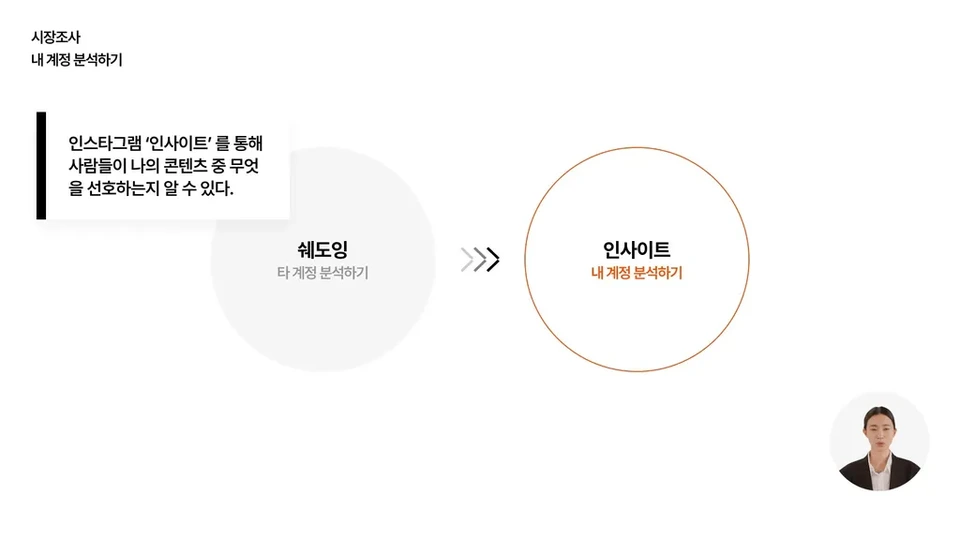
Display lesson content large

Font size should be at least 16pt or larger, and use a maximum of 20-30pt. To ensure text is clearly visible in lesson materials, feel free to use the CLASS101 recommended typeface (Pretendard font).

Appropriate typeface example (O)
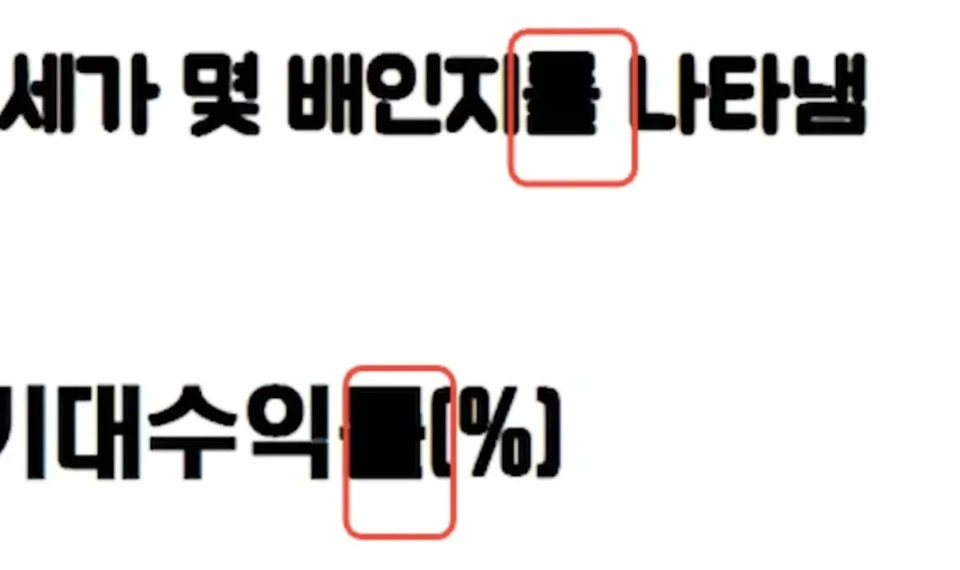
Inappropriate typeface example (X)

Create lesson materials

CLASS101 official PPT template

Was this document helpful?

스티븐Edited 2026-06-10 by 스티븐