AIThis document was translated by AI and may contain mistakes.

Thumbnail Creation Guidelines

Guide Summary

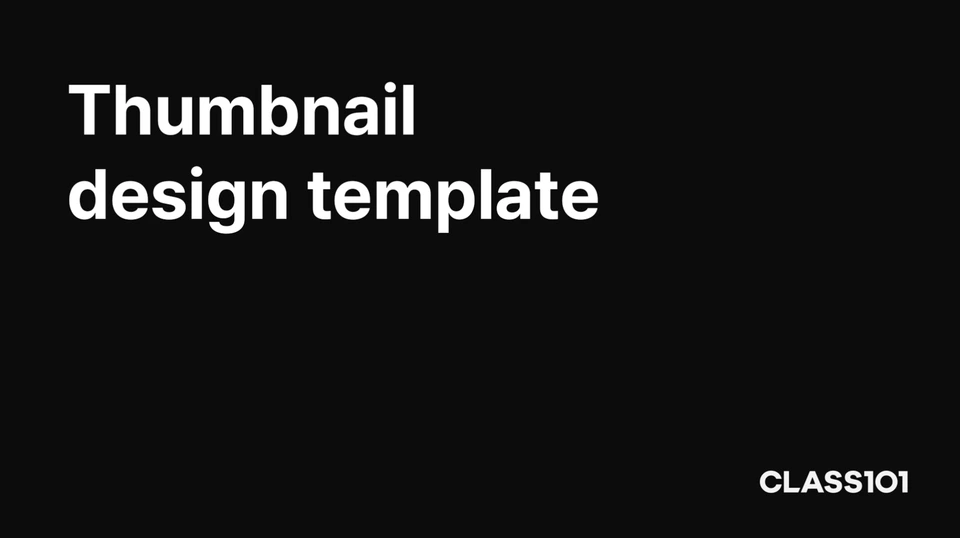
  • Font: Pretendard JP Bold (free) (see below)

  • Font Size: 168pt

  • Line Spacing: 204pt / Letter Spacing: -1%

  • Text Color: White

  • Keep text concise with a maximum of 2 lines!

Thumbnail Template

Figma Guide Link


PPT Template File


PSD (Photoshop) Guide


Miricanvas Template


How to Download Pretendard Font

  1. Go to https://cactus.tistory.com/306 .

  2. Download the font.

  3. Extract the compressed file and follow the steps below in order.

    1. Windows users

      1. Open the extracted folder and navigate to public → static → alternative in that order.

      2. Select all files with the.ttf extension, right-click with your mouse, and click "Open".

      3. Click "Install".

    2. MacOS users

      1. Open the extracted folder and navigate to public → static in that order.

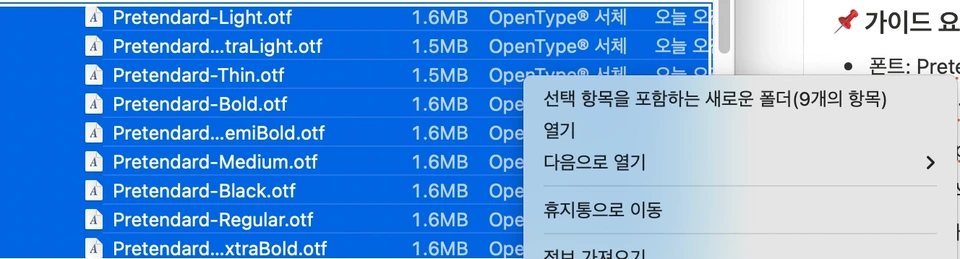
      2. Select all files with the.otf extension, right-click with your mouse, and click "Open".


      3. Click "Install".

  4. To use in Figma, the following additional steps are required.

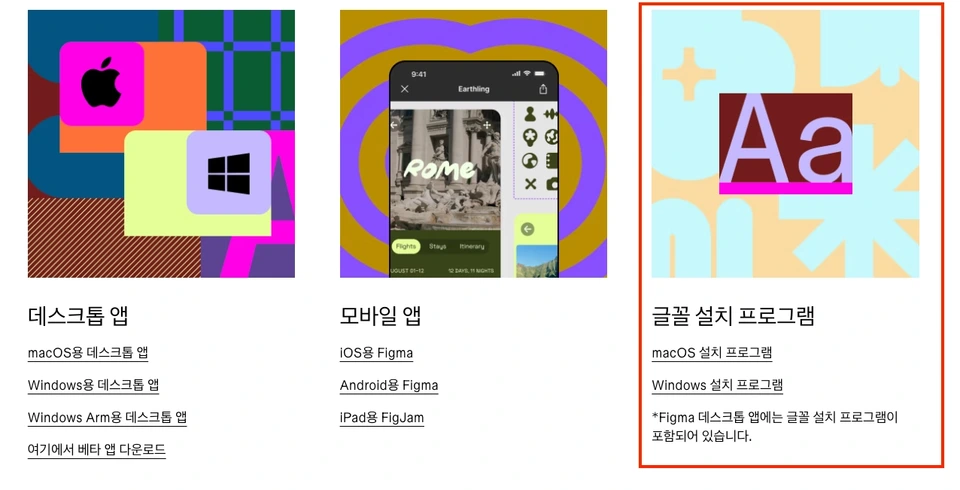
    1. Go to https://www.figma.com/ko-kr/downloads/ and download the font installer for your operating system.


    2. Run the downloaded file to complete the installation.


Was this document helpful?

스티븐Edited 2026-06-10 by 스티븐