AIThis document was translated by AI and may contain mistakes.

Class creation process

1. Discussion stage with CLASS101 manager

Discuss future processes with CLASS101's sales manager.

Receive guidance on the production process and contract.

2. Class proposal stage

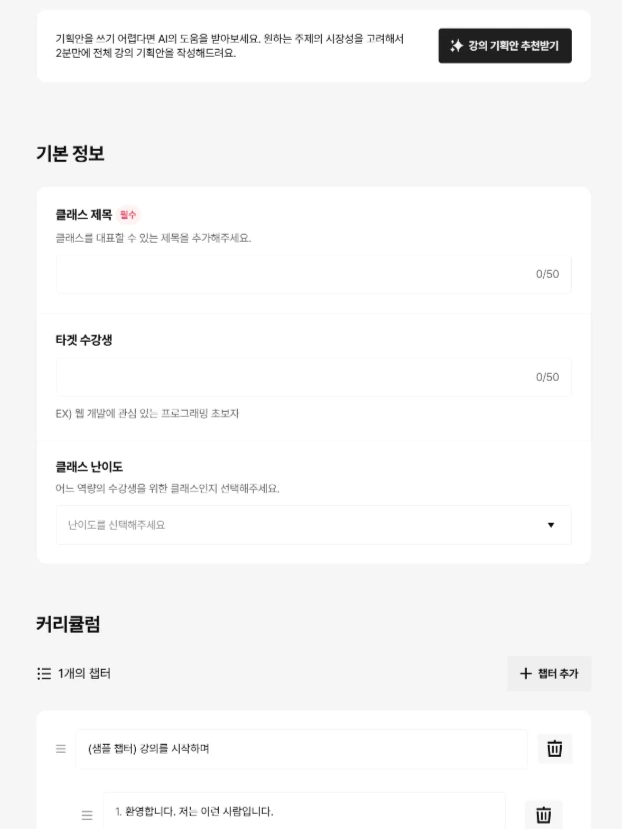
Screen before writing class proposal
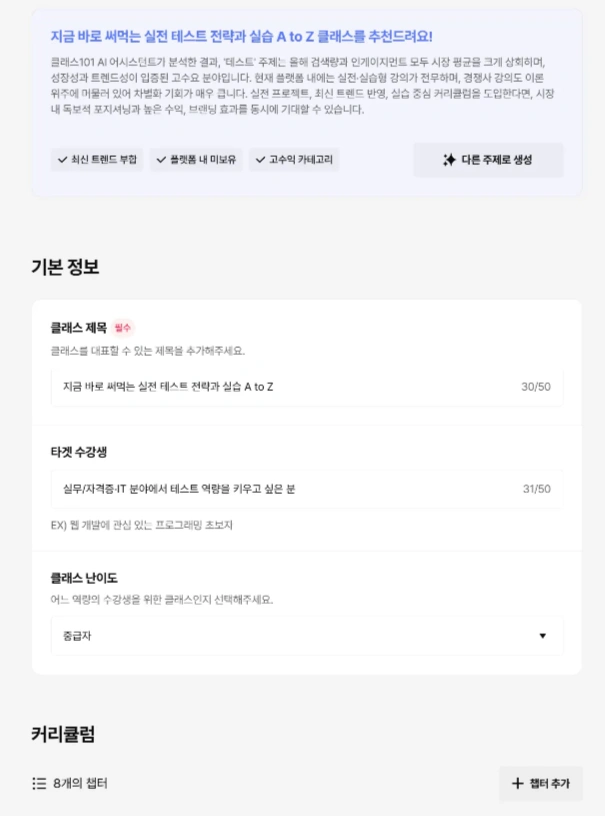
Screen after writing class proposal

In the stage of writing basic class information and curriculum, creators can determine their desired class topic and compose a curriculum that matches it.

If class planning is difficult, you can receive AI suggestions for class direction and curriculum through the [Get Class Proposal Recommendations] feature.

Once the first draft is completed, you can request a review, and when the review is complete, you'll proceed to the next step: uploading [test videos].

View detailed feature introduction

Submit course proposal

3. Test Video Stage

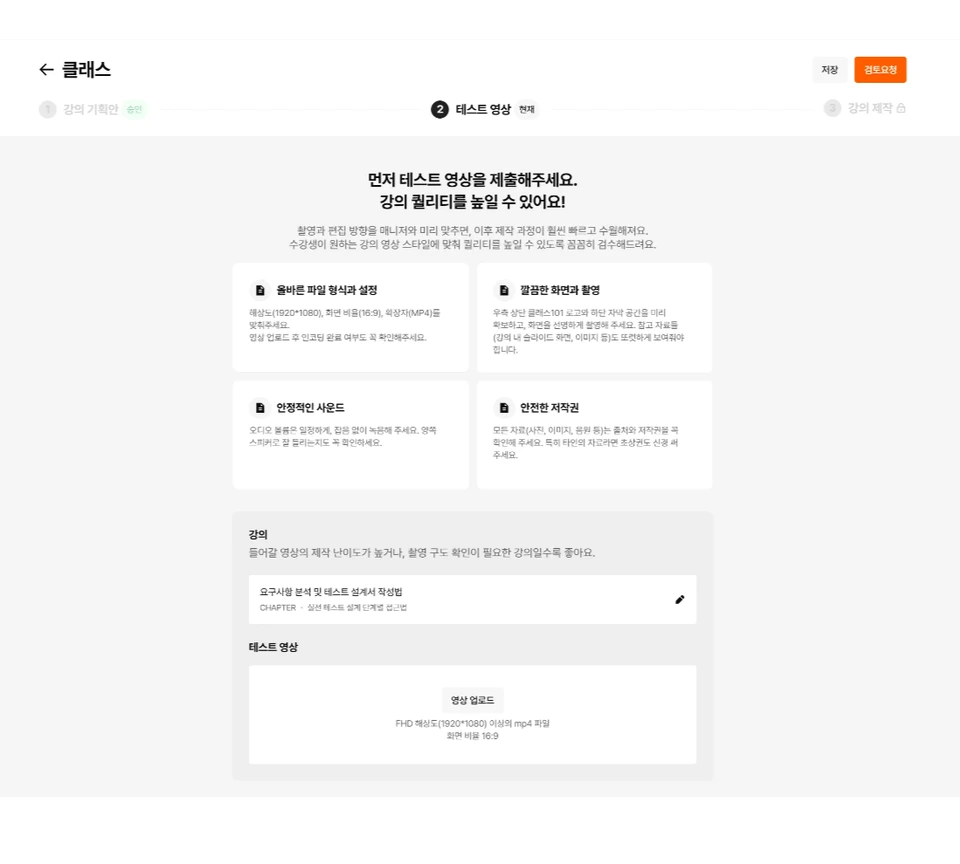
Screen before test video upload
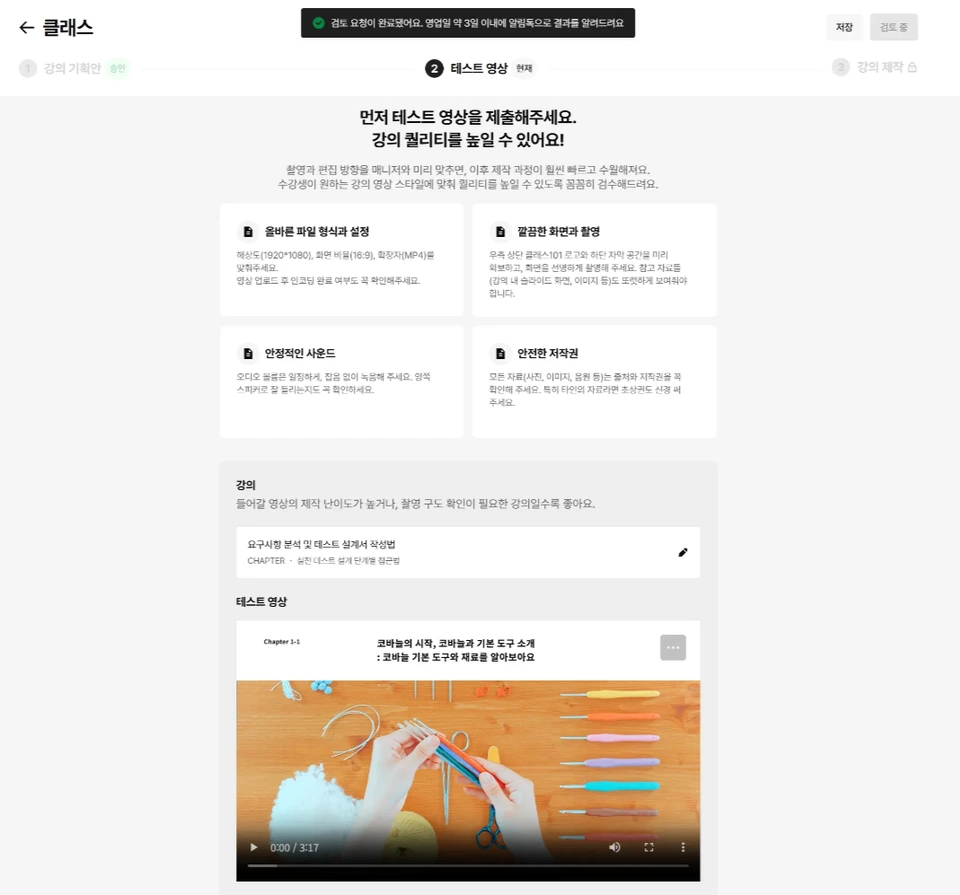
Test video review request screen

Test videos are a stage to verify that your video meets CLASS101's review standards before full-scale course production.

In the course creation tab, select the course for your test video, upload the video, and request a review.

Once the review is complete, you can proceed to the next step: [Course Creation].

View detailed feature introduction

Submit test video

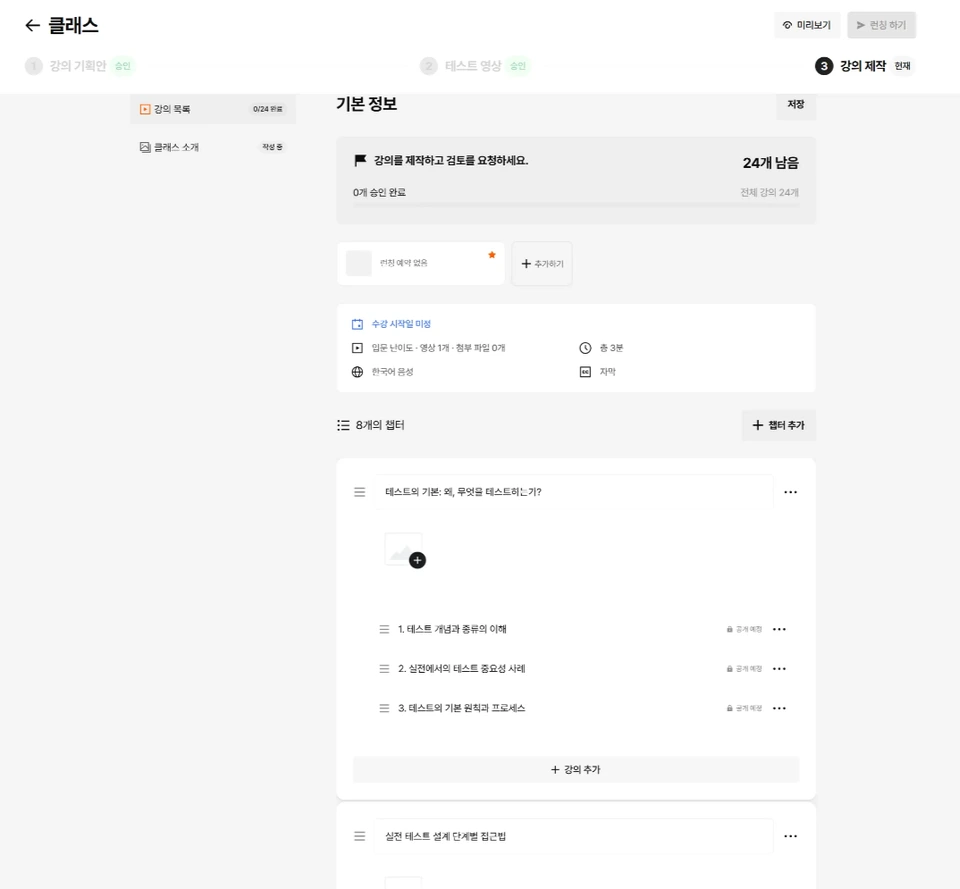
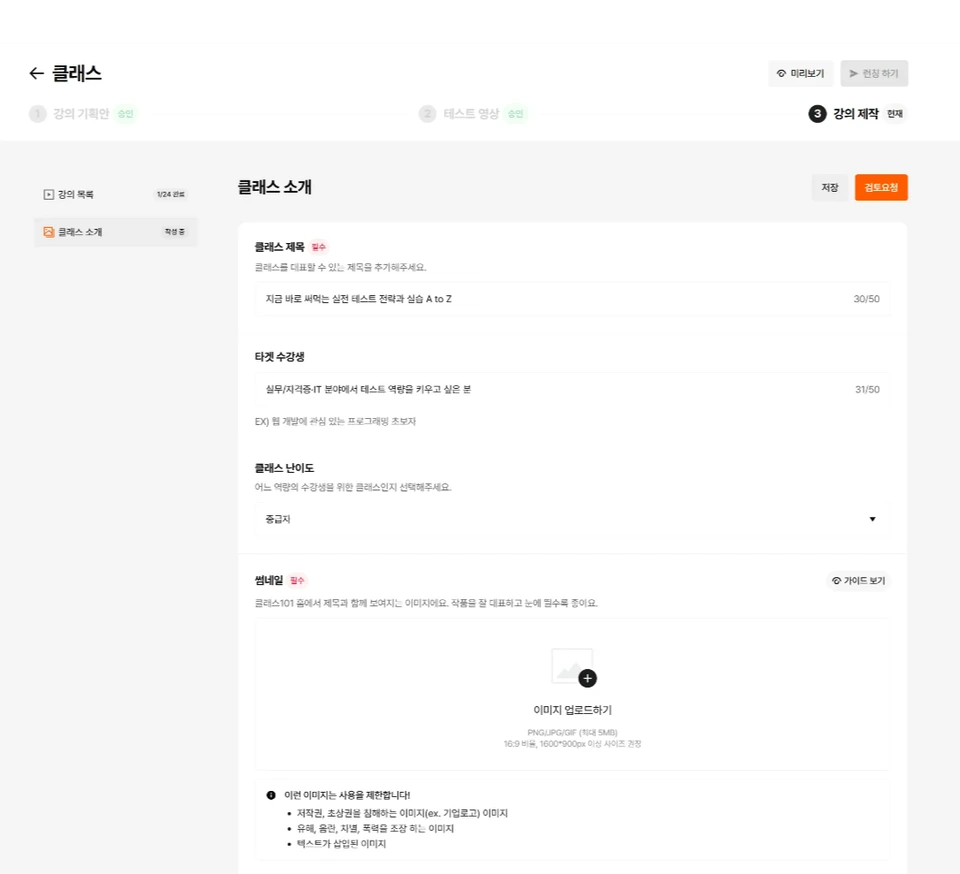
4. Course Creation Stage

Course video upload screen
Class introduction writing screen

This is the stage to finalize the class introduction and curriculum for class launch.

Please upload videos in [Course List] and then proceed with the review request.

Also, once you complete writing the [Class Introduction], you can request a review on that page as well.

View detailed feature introduction

Submit lecture


Was this document helpful?

스티븐Edited 2026-06-10 by 스티븐