Check if it's a class you can watch with a CLASS101 Plus subscription
Classes available with CLASS101 Plus can be found on the CLASS101 website or app through thumbnail images and detail page buttons.
Using search filters on category pages
When searching class categories, click the 'Included in Class+' button in the left menu [Recommended Filters] to sort and view only classes provided through subscription.
🔗🔗 Class+ class search shortcut

Identifying with [Class+] badges
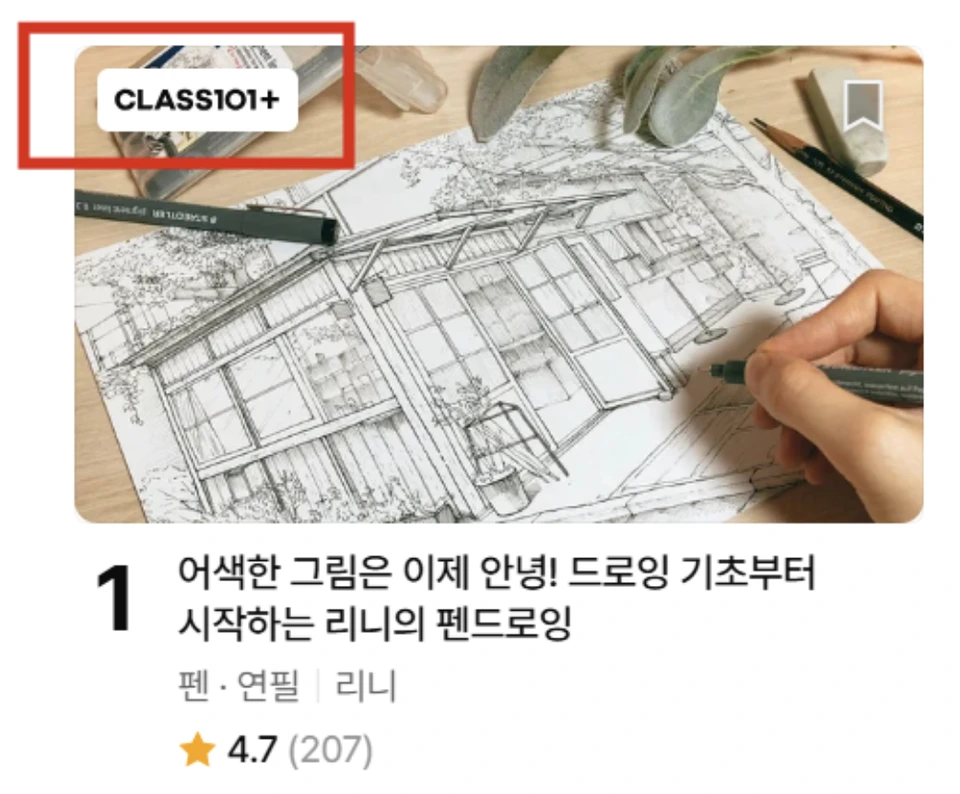
When searching for classes on the CLASS101 site, you can check subscription availability through the badge in the upper left corner of the class thumbnail image.
The [Class+] badge looks like this:

Display in upper left corner of class image | Meaning |
When [Class+] badge is present | Class provided with CLASS101 Plus subscription |
When [Class+] badge is not present | CLASS101 Master individual purchase plan |
When the same class appears in both forms above | CLASS101 Plus subscription: Only some chapters may be provided CLASS101 Master individual purchase: Access to all chapters available |
Check with class detail page button
After clicking on the class you want to take, you can also check subscription availability through the button on the right side of the detail page.
Detail page right button display | Meaning |
When only [Start Subscription] is available | CLASS101 Plus subscription classes |
When only [Purchase] is available | CLASS101 Master individual purchase classes |
When both [Start Subscription] + [Purchase] are available | Classes available for both CLASS101 Plus and Master |
Notes
- Individual purchase classes without badges may also be included in subscriptions after a certain period. In this case, you can check subscription availability and schedule on the class introduction page.
Cautions
- Not all classes are provided with CLASS101 Plus. Please make sure to check the class introduction page before enrolling.